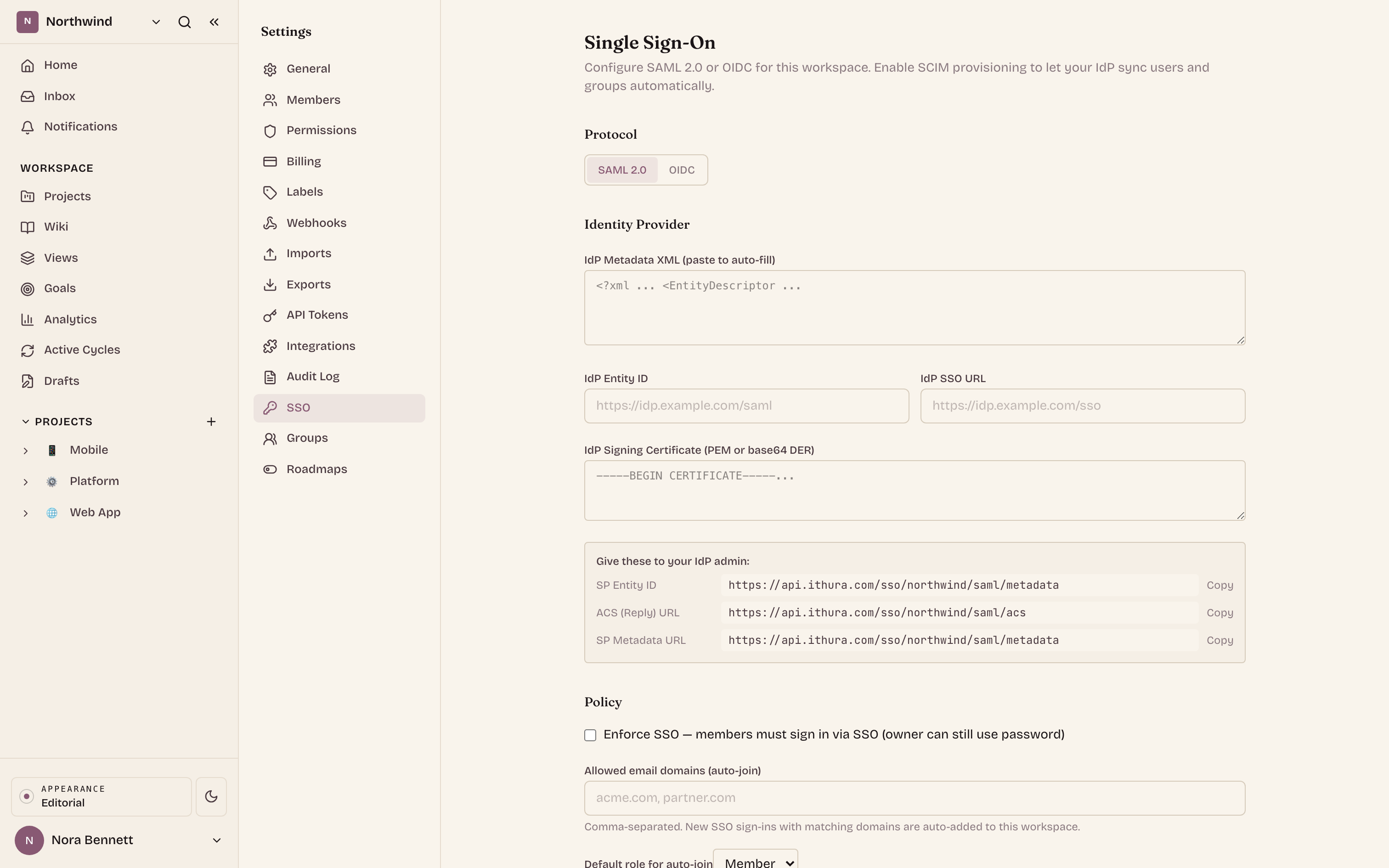
Ithura keeps the work, the knowledge, and the requests behind the work in one place. Issues carry the plan, the wiki carries the context, boards carry the thinking, and Asks carries everything coming in from outside. This is a quick tour of what you can build once they all live together.
Issues, cycles, and modules
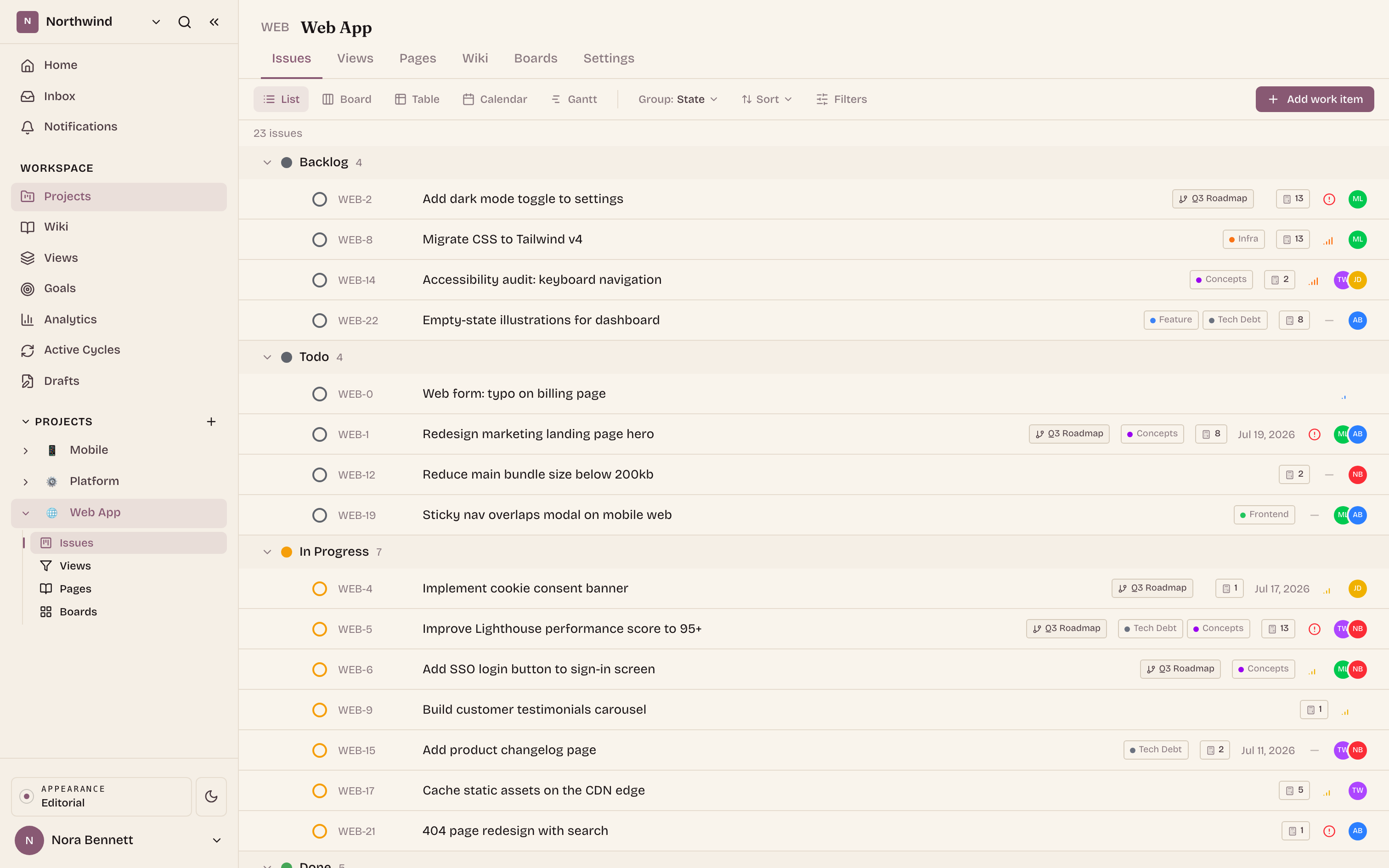
Start with issues. Group them into cycles to plan a sprint, and into modules to track a larger body of work across cycles. Estimate in points, t-shirt sizes, or time, and let status move on its own as your pull requests open and merge.
A wiki that lives next to the work
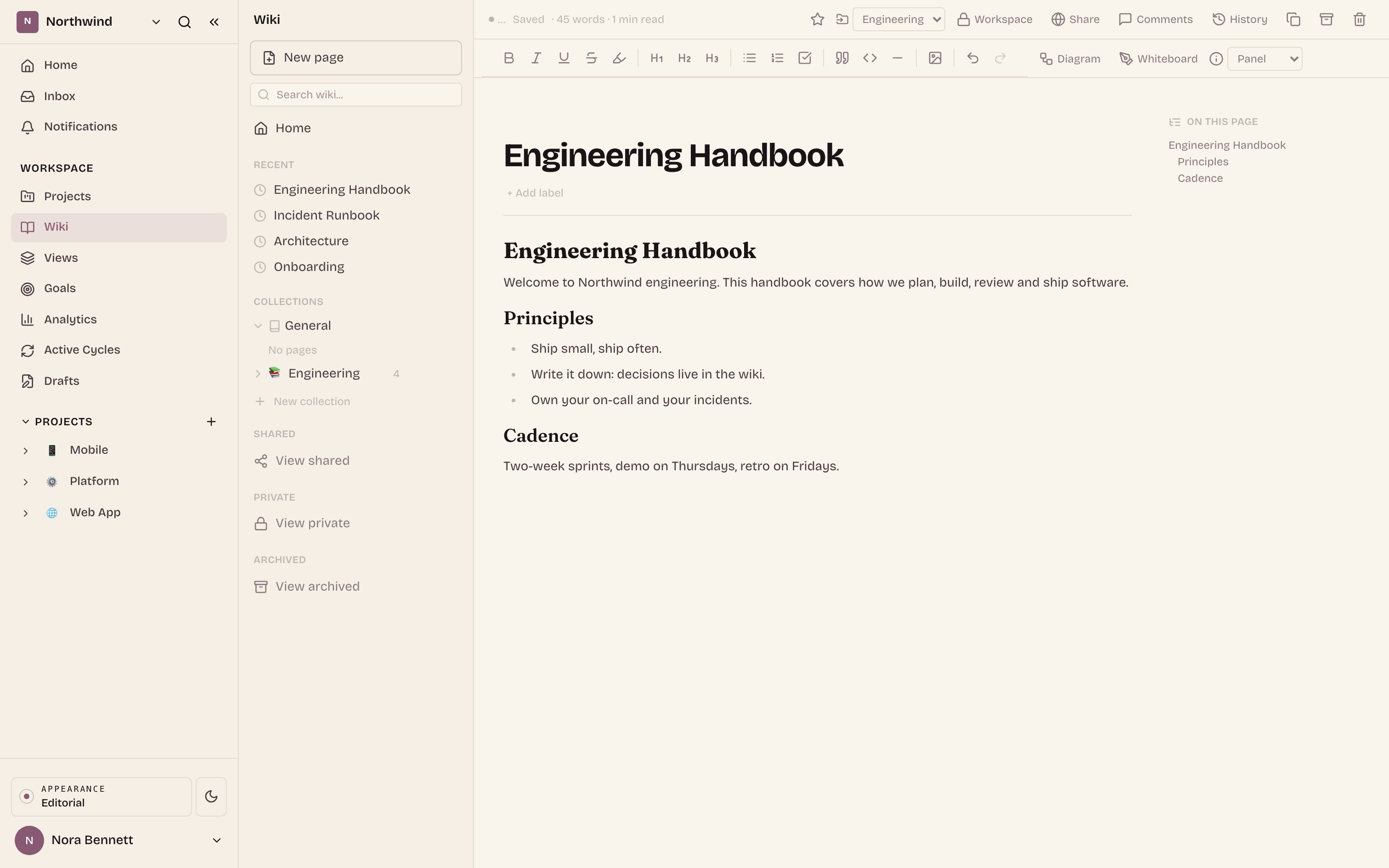
Write runbooks, specs, and decisions in a full-featured wiki, with the same rich blocks as your issue pages, including embedded boards and diagrams. Scope a collection to a team, give each project its own space, and link any page straight from an issue.
Boards for thinking out loud
When an issue list is too rigid, open an infinite canvas. Sketch a flow, run a workshop, or map a quarter with shapes, connectors, and sticky notes, live with your team. Share a board read-only with anyone outside the workspace.
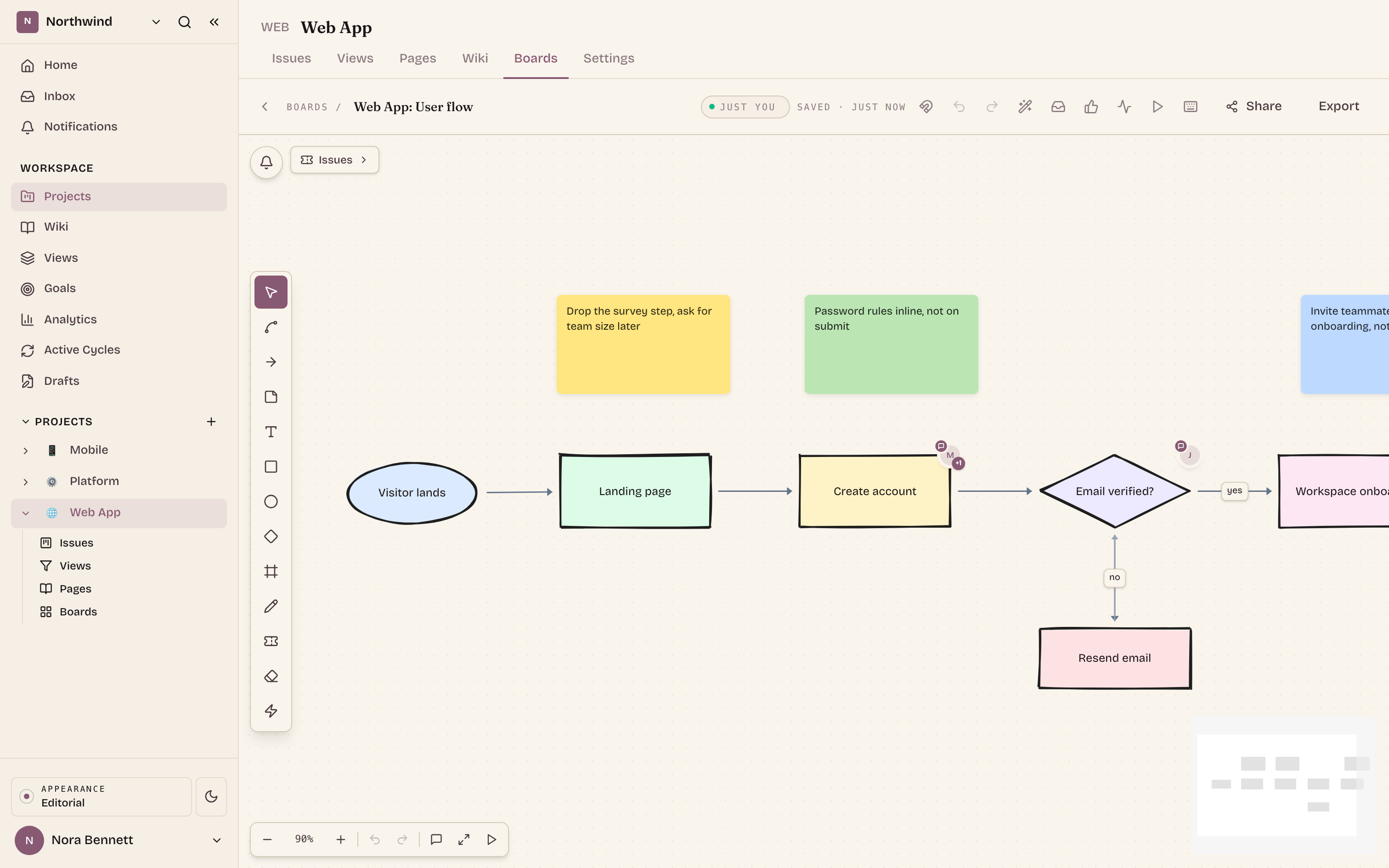
The same workspace, seen four ways. Use the tabs (or the arrow keys) to move between surfaces.
Asks: requests without an account
Not every request comes from someone with a seat. With Asks, anyone can file into a project from Slack, email, or a public web form, no login required. Each request lands as a normal issue in one triage inbox, and the person who sent it follows along on a private status page.
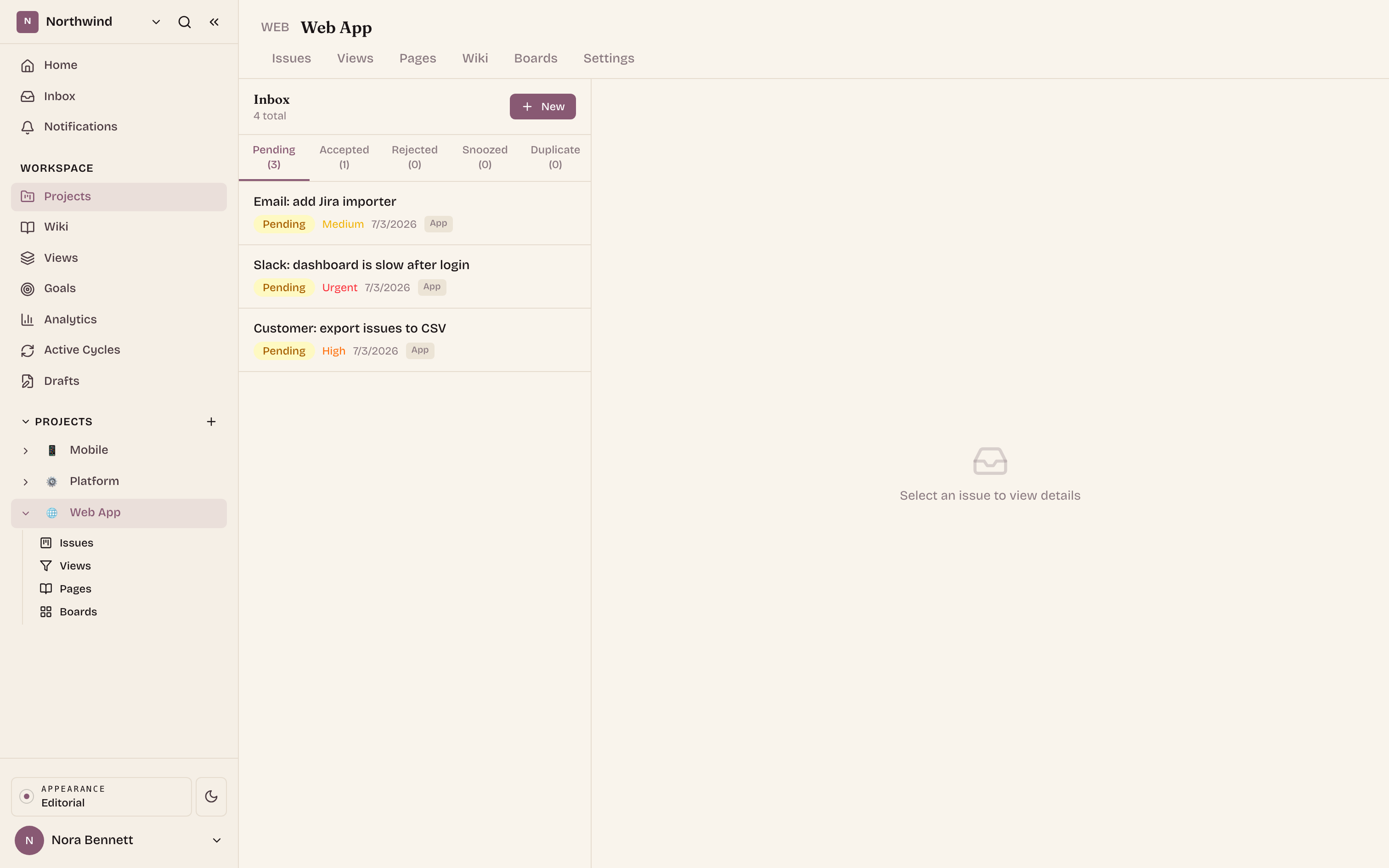
Integrations you already use
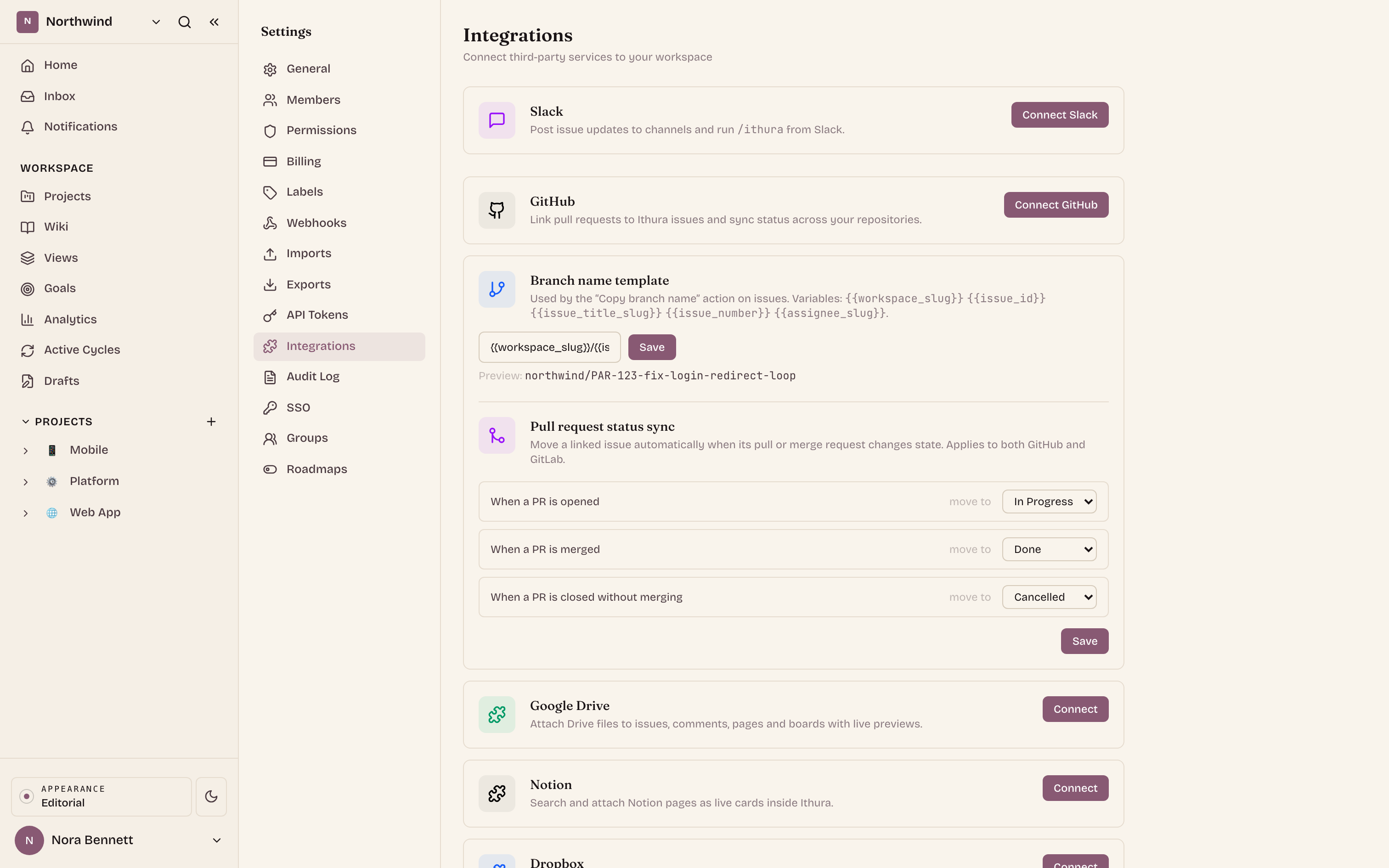
Connect the tools your team lives in. Link pull and merge requests from GitHub and GitLab so status keeps itself in step. Reach Ithura from Slack. Push events to Zapier and Make through an outbound webhook connector.
- GitHub and GitLab: link PRs to issues, auto-advance status, copy a ready-made branch name.
- Slack: file requests, get notified, and reply from the thread.
- Zapier and Make: fan out any event to thousands of apps through outbound webhooks.
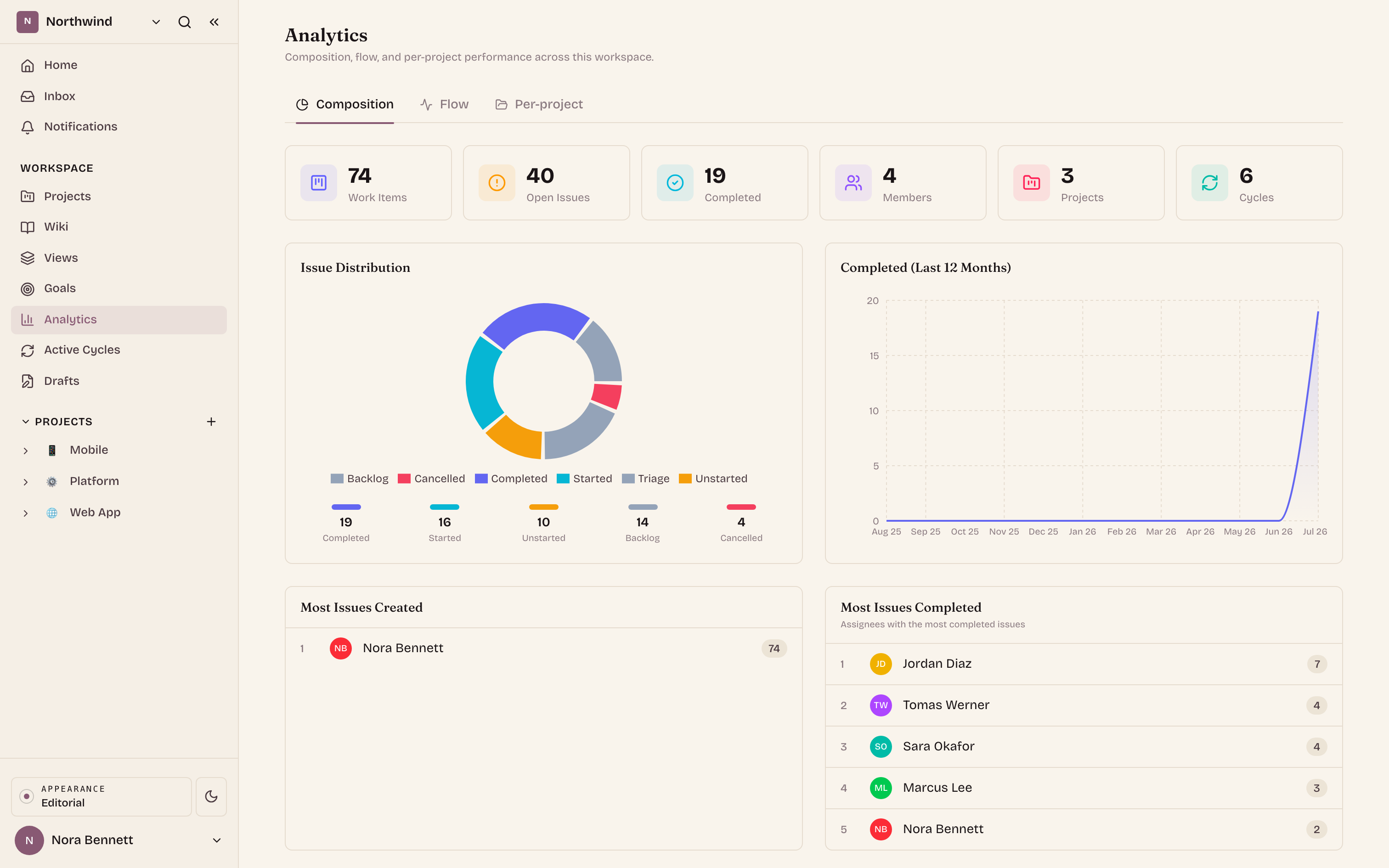
Analytics that explain delivery
See throughput by module, cycle-time histograms, and aggregations over your own custom fields. Built in, next to the issues the numbers come from, with clear empty states before the data arrives.
Enterprise, when you need it
Adopt Ithura across a larger organization without giving up control. Single sign-on with SAML and OIDC, SCIM provisioning for users and groups, two-factor enforcement, custom roles, and a workspace-wide audit log of admin actions.