Moving to a new tool is only worth it if your history comes with you. Most teams do not live in a single project: there is the main product board, a spillover project for bugs, a design queue, an old backlog nobody wants to lose. Importing them one at a time, wizard run after wizard run, is exactly the kind of chore that stalls a migration on day one.
So the import wizard now takes several projects in one pass. Tick every source project you want, and each lands in its own new Ithura project, named after where it came from. Before anything is created, Ithura shows you a single combined preview of what is about to arrive. And underneath, every importer was re-tested against the live provider APIs so the run actually completes.
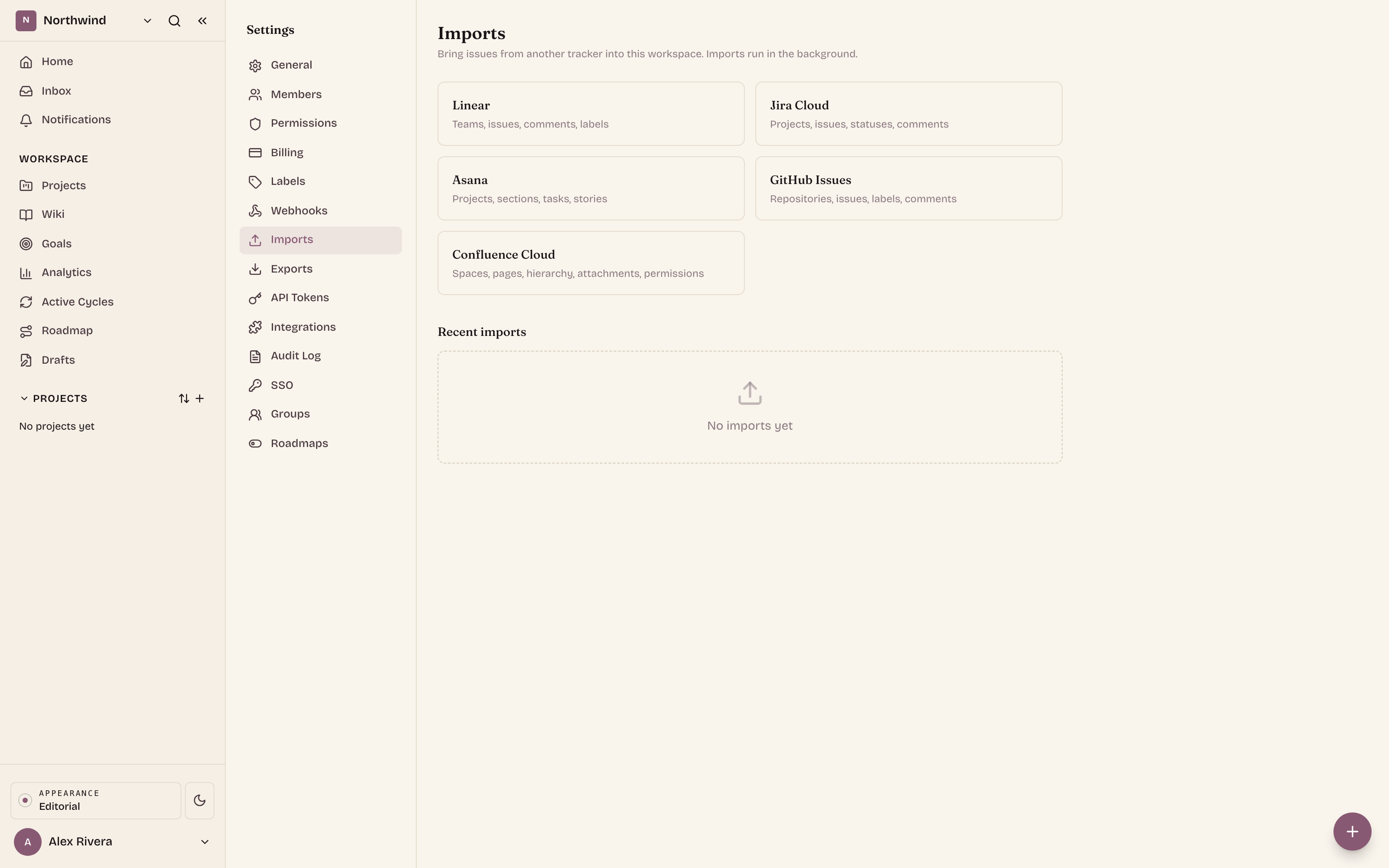
Pick as many projects as you want
You connect a source once, with your own credentials, and Ithura reads back the projects you can see. Instead of a single choice, that list is now a set of checkboxes. Select one, or ten. Each becomes its own new Ithura project, carrying the source project's name, so the shape of your old workspace survives the move rather than being flattened into a single bucket.
- One run, many projects. A whole tracker can move across in a single import instead of a wizard run per project.
- Each into its own project. Names come from the source, so you recognise everything on the other side.
- Idempotent per project. If a source already has a same-named Ithura project, the import updates it in place instead of creating a duplicate. Run a top-up later and nothing doubles up.
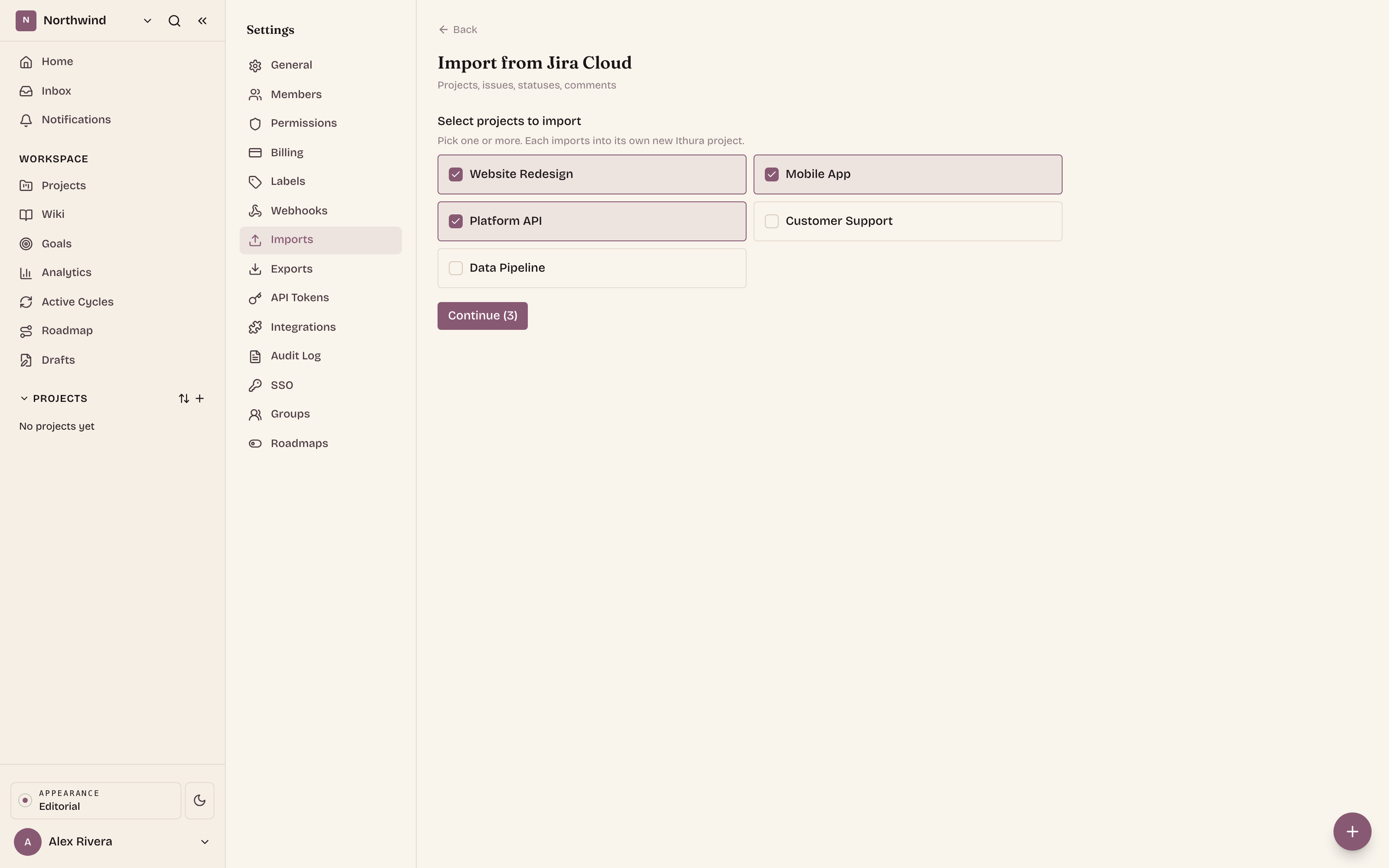
See what will land, before it lands
The worst import is the one where you find out afterwards. So when you continue, Ithura validates every project you picked and rolls the results into one preview: the combined issue and task counts across all of them, and the full list of people on the source side who have no matching Ithura account.
That second list matters. When a source user has no Ithura account with the same email, their issues and comments are attributed to you, the person running the import. Seeing that up front means you can invite those people first, with the same email, and have their work land under their own name instead of yours.
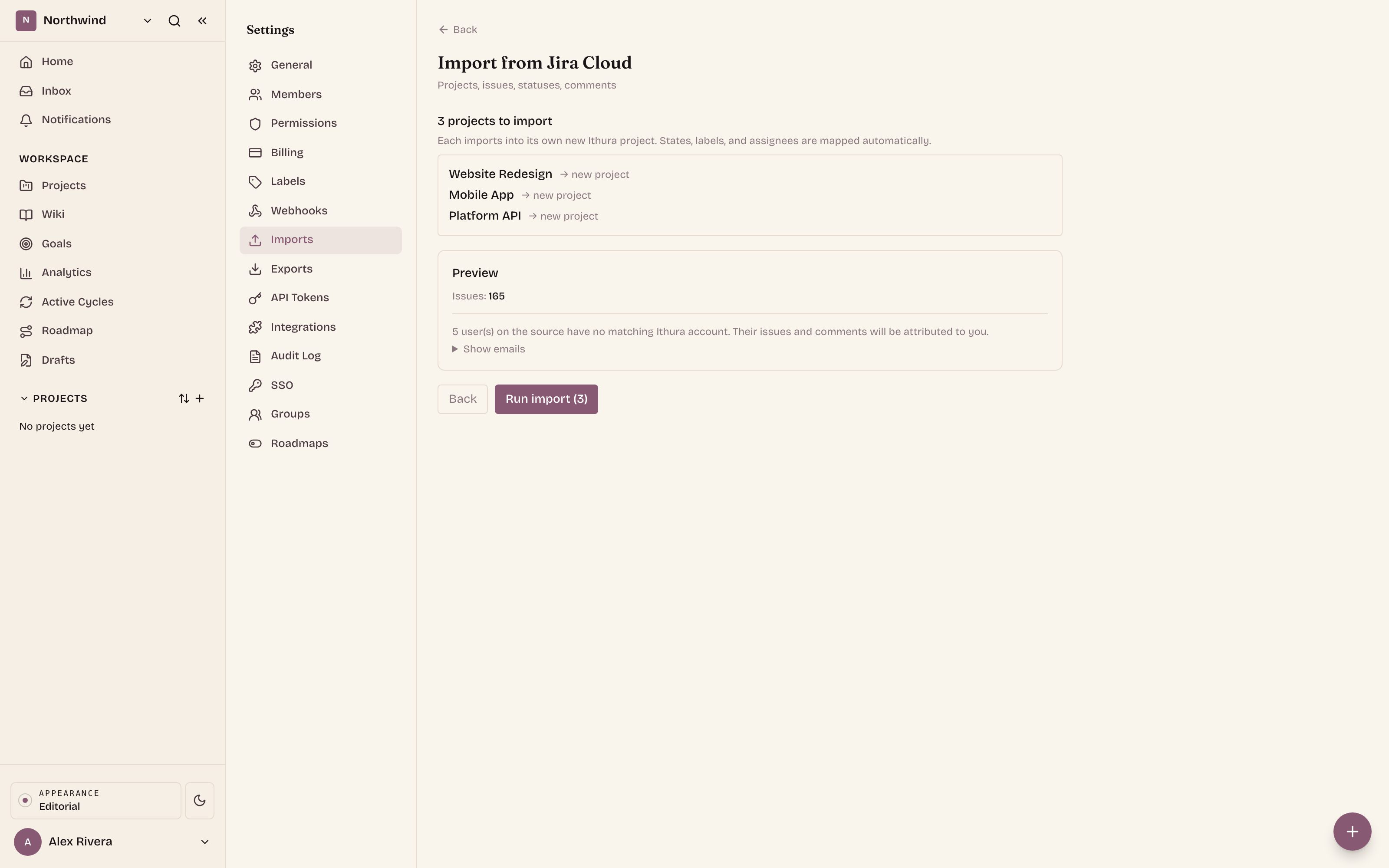
How a run goes
The flow is the same shape whichever source you start from, and it never asks you to hand-build a destination project.
Connect the source
Open Workspace settings, Imports, and choose a source. Enter your own credentials for it. Ithura reads back the projects, teams, or repositories you can reach and never stores a shared connection.Select the projects
Tick every project you want to bring over. Each will import into its own new Ithura project, named after the source.Review the combined preview
Ithura validates the whole selection and shows the summed counts plus the union of unmatched users. Nothing has been created yet.Run it and watch
Each selected project starts as its own background job in Recent imports, refreshing on its own with status and progress. Leave the page if you like. When every job reads completed, you are done.
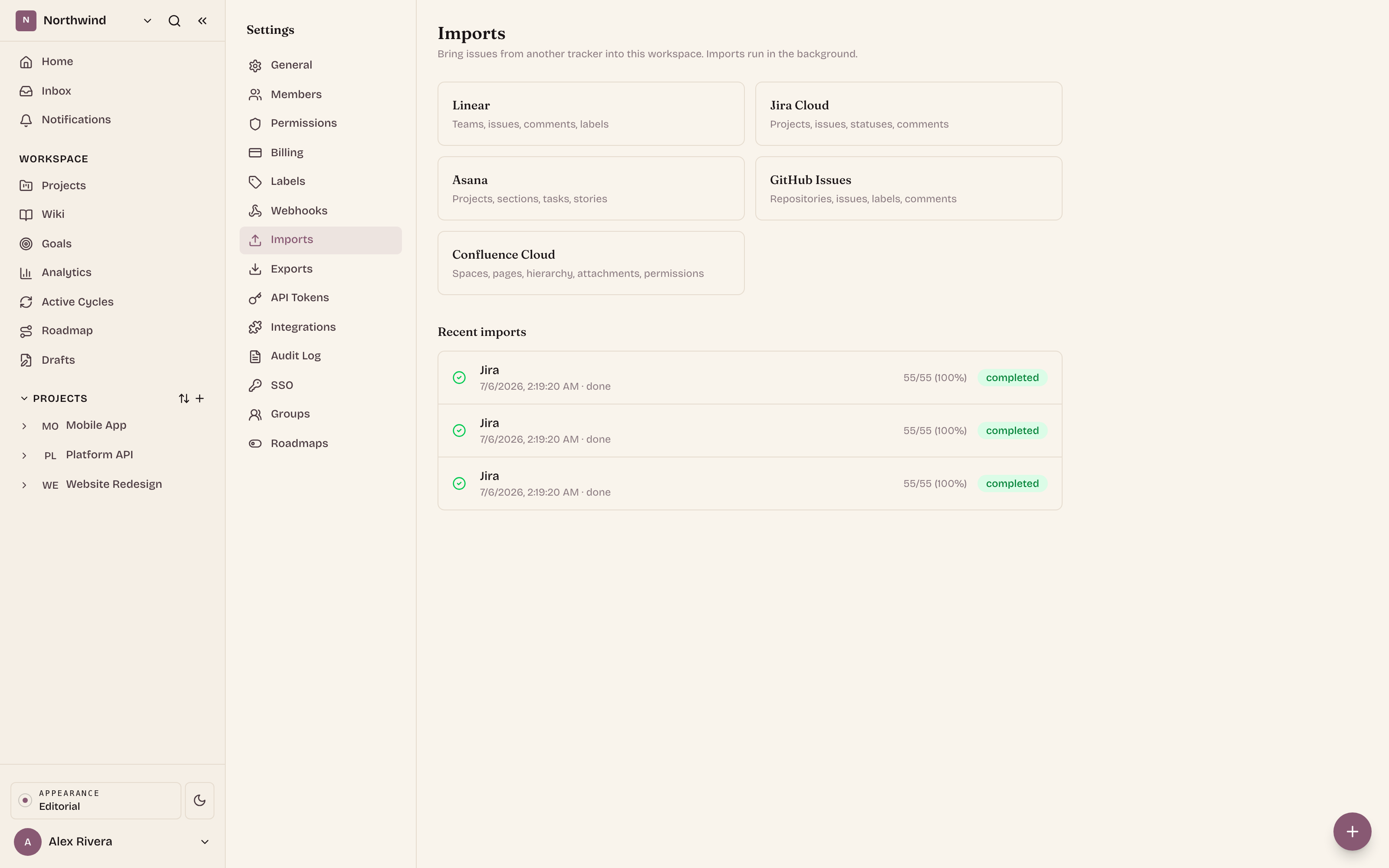
Imports that keep working
An importer is only as reliable as the provider API it reads. Those APIs change, sometimes without much warning, and an import that worked last quarter can quietly start failing. So every importer was re-tested against a real account on the live provider, and updated where the provider had moved things.
- Jira. The way Ithura reads and counts a project's issues was updated to the provider's current search interface, so connecting and previewing return the right numbers again.
- Linear. A query the provider stopped accepting was reworked, so reading a team's issues no longer errors out.
- Confluence. Expanding a group to its members, needed to map page permissions, now uses the provider's current membership lookup after the old one was retired.
- GitHub and Asana. Verified end to end against live accounts and confirmed clean.
The upshot for you is simple: imports from Jira, Linear, GitHub, Asana, and Confluence are current and dependable. Connect, preview, and bring your history across.