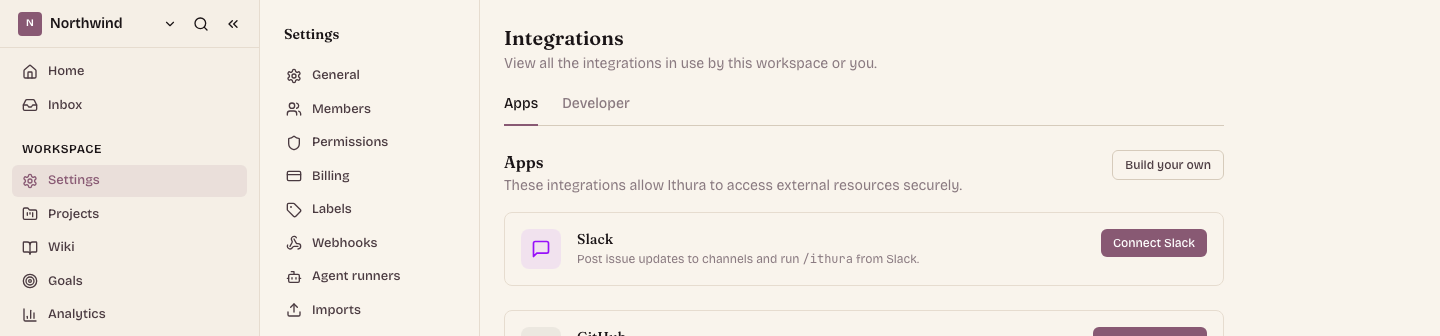
Not every integration is the same kind of thing. The deepest ones need no AI at all: they link an external tool's data straight to your work items and keep status in sync on their own. Slack, GitHub, GitLab, Bitbucket, and now Sentry all work this way.
They live under Workspace settings, Integrations, in the Apps tab. Connect one and its data flows into Ithura, entities link, and status syncs. This post looks at the newest deep App in that list: Sentry.
Sentry, linked on the issue
Sentry is a deep App, in the same family as GitHub and GitLab: it is entity linking plus status sync, and it needs no AI. From a work item you search a Sentry organization's error groups and attach one. Ithura stores a snapshot, the short id, title, status, level, and last-seen time, so the panel renders without a live Sentry call, and links out to the error's permalink.
A link is only half the value. The other half is that the work item moves on its own. When the error is resolved or ignored in Sentry, Sentry delivers a signed webhook, Ithura verifies it, updates the snapshot on every linked work item, and moves each one through a mapping you set for the workspace.
Each Sentry status on the left maps to a work-item state on the right. The defaults are the obvious ones; reopening does nothing by default, so a flapping alert never yanks a work item backwards on its own.
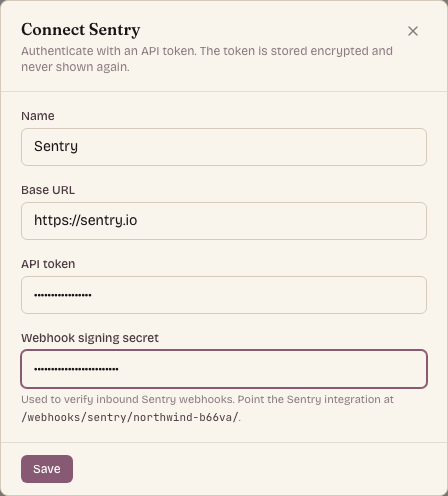
That is the whole shape of a deep App: connect it once in the Apps tab, link its data to a work item, and let status keep itself in sync. No agent, no polling, no manual bookkeeping, just the error and the issue staying in step.